
Managing Your Subscription
Managing Your Subscription
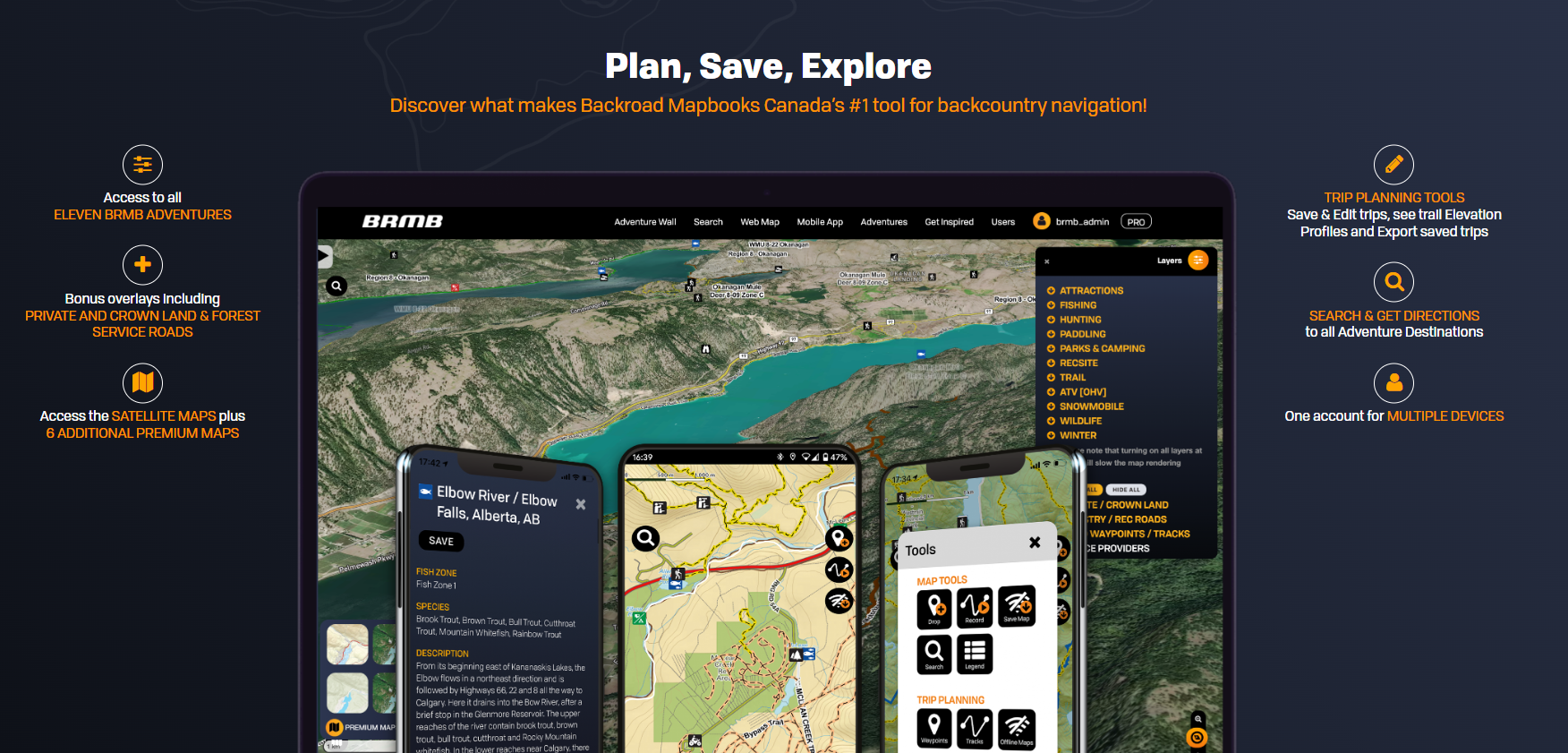
Intro
offers BRMBMAPS.comthree providesways bothto subscribe to the WebmapPRO plan:
Below is a step‑by‑step guide for canceling, upgrading, and Mobiletroubleshooting Appeach forplatform. AndroidScreenshots andare IOSlinked devices.to
Yourhelp accountyou at BRMBMAPS.com contains your data created usingnavigate the webmap or synced from your device.
UI.
1.
Subscriptions
Cancel Youra subscriptionPRO canSubscription
be
2.
How do I cancel my PRO subscription?
3.
4.
⚠️ If you've subscribed to the app PRO plan through the
2. Tap
3.
4.
⚠️Play IfStore
1. Open the Google Play Store on your phone..
2. At the top right, tapTap the profile icon.icon (top‑right).
3. TapGo to Payments & subscriptions > Subscriptions.
4. >Select SubscriptionsBRMB Maps and canceltap Cancel Subscription.
Note: If you subscribed via the
renewalweb,oftheBRMBcancellationMaps.will stop future charges but you can still use the PRO features until the current billing period ends.
Still
2. issuesResolve withSubscription yourIssues
How can i
3. Request a Refund
purchase?”
Google Playof
RequestIfRefundyou’rePlaya
Family
Can’tSharingfindplan on iOS, the subscriptionthatcanyouonlywantbe cancelled by the Family Member who owns the Apple ID.
3. Locate the Receipt to cancel?
Cancel Ifa you are trying to cancel, find your receipt:
- Search your email inbox for the
wordsphrase"“receipt from Apple."”
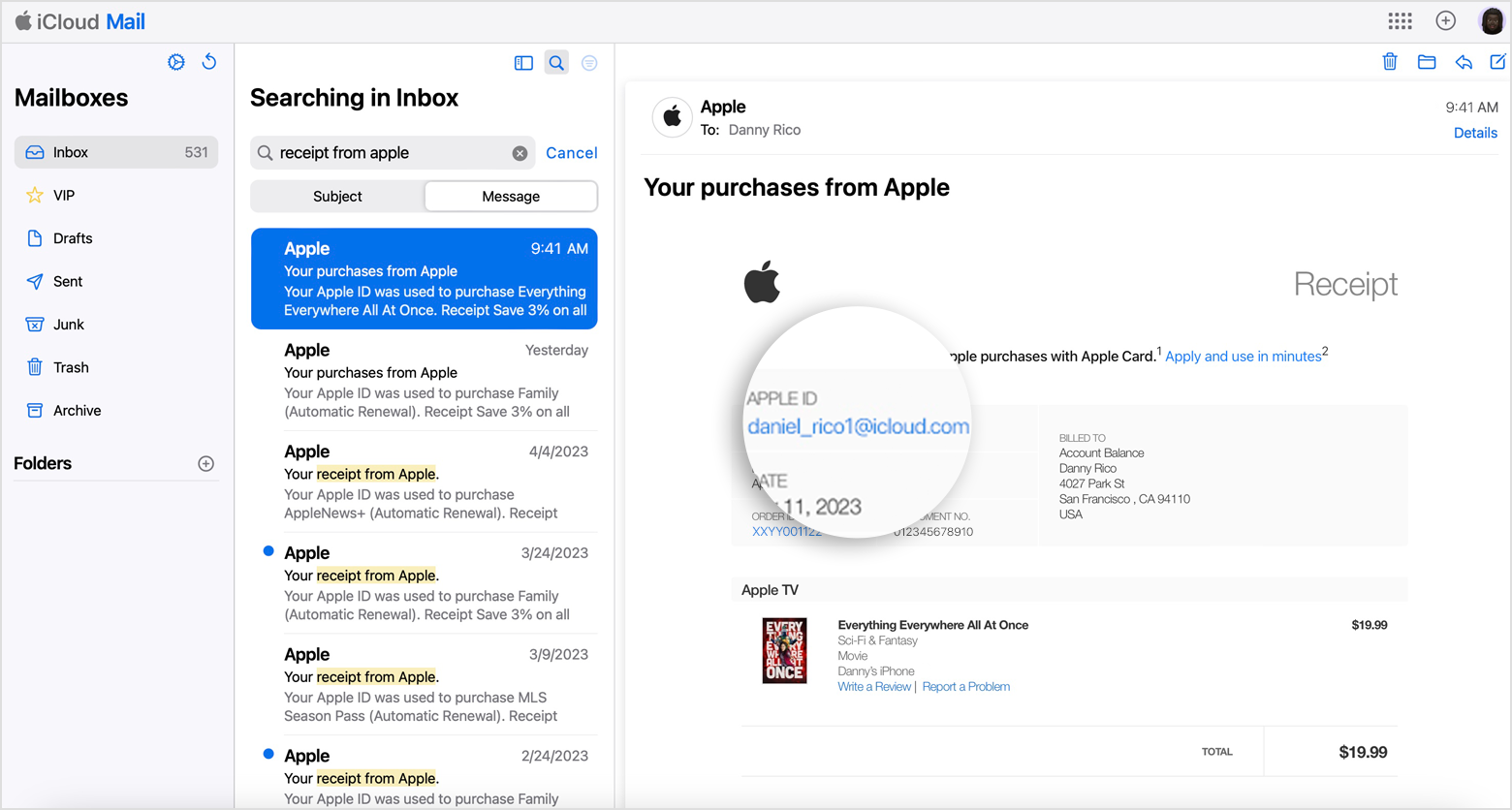
Family‑Shared Subscription – If the receipt shows another family member’s Apple ID, that member must cancel the subscription.
Multiple Apple IDs – Sign in with the Apple ID that appears on the receipt and cancel from the App Store.
3. Upgrade from Free to PRO
On the BRMB Maps Website
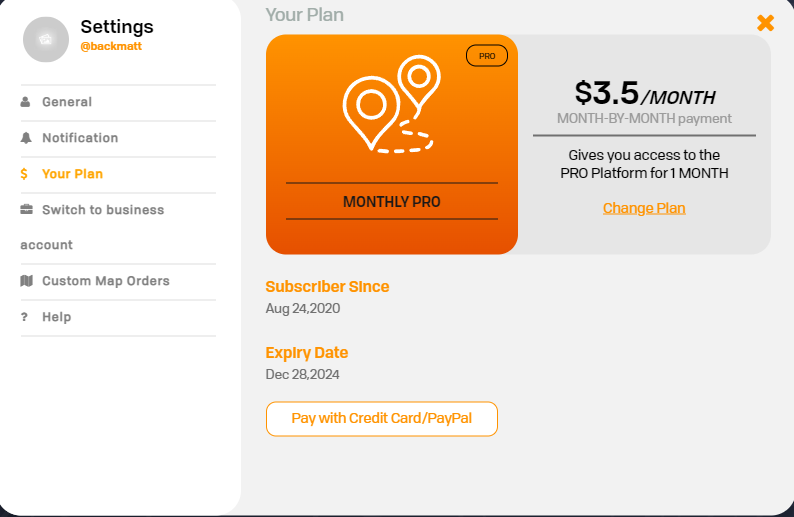 Click the Settings button (top‑right).
On the
Click the Settings button (top‑right).
On the
Tip: The upgrade takes effect immediately and you’ll be charged for the new billing cycle.
3. Technical Resources
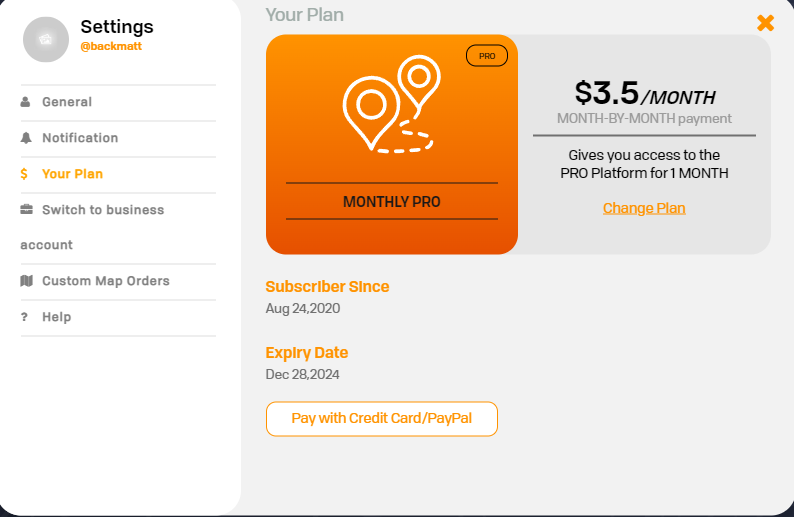 Web‑based user dashboard (Settings → Your Plan).
4. Quick Reference
IfPro tip: Keep afamilycopymember'of your subscription receipt (email or app‑store screenshot) handy; it’sApple ID appears onthereceipt,quickestask that family memberway touseidentifythewhichstepsApple IDinorthisGoogle IDarticleisto cancelmanaging the subscription.You can’t cancel a family member's subscription.If another Apple ID that you use appears on the receipt, sign in with that Apple ID and use the steps in this article to cancel the subscription.
How do I Upgrade from a Free plan to a Pro plan?⚠️ Website: Open the User Dashboard by clicking on your username in the top right corner, then click on the Settings button.On the left side, click on Your Plan and then Upgrade to Pro or Change Plan to upgrade to another plan.