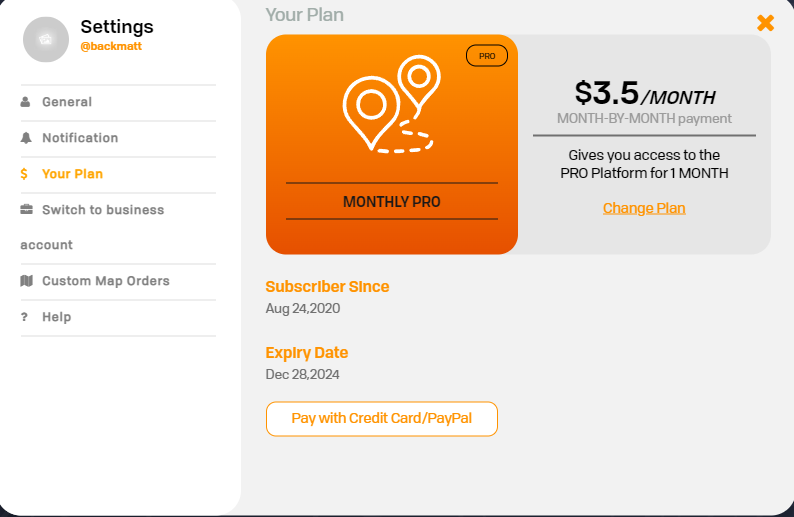
Managing Your Subscription
Intro
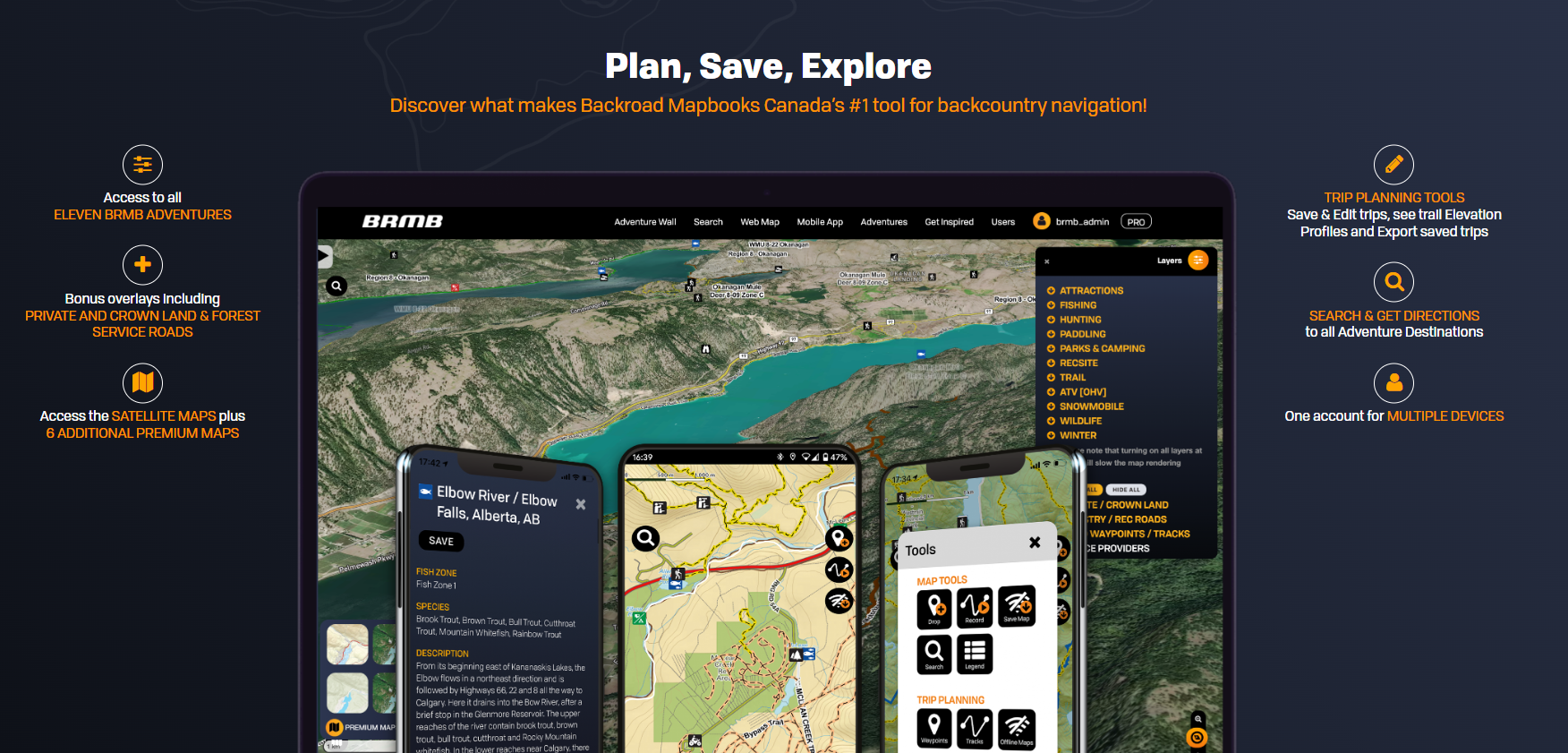
BRMBMAPS.com provides both the Webmap and Mobile App for Android and IOS devices.
Your account at BRMBMAPS.com contains your data created using the webmap or synced from your device.
Subscriptions
Your subscription can be setup via the Android Play store, the Apple store or via our website at https://brmbmaps.com
How do I cancel my PRO subscription?
⚠️ If you've subscribed to the app PRO plan through the iOS App Store, please take the following steps:
1. Open the App Store on your phone.
2. Tap on your profile photo located in the top right corner.
3. Tap on "Subscriptions" and cancel the renewal of BRMB Maps.
⚠️ If you've subscribed to the app PRO plan through the Google Play Store, please follow these steps:
1. Open the Google Play Store on your phone.
2. At the top right, tap the profile icon.
3. Tap Payments & Subscriptions > Subscriptions and cancel the renewal of BRMB Maps.
Still having issues with your subscription?
Fix subscription issues google Play
Fix subscription issues Itunes
How can i Request a Refund from the App store?
Can’t find the subscription that you want to cancel?
If you are trying to cancel, find your receipt:
- Search your email for the words "receipt from Apple."
- On the receipt for the subscription, check which Apple ID was used.
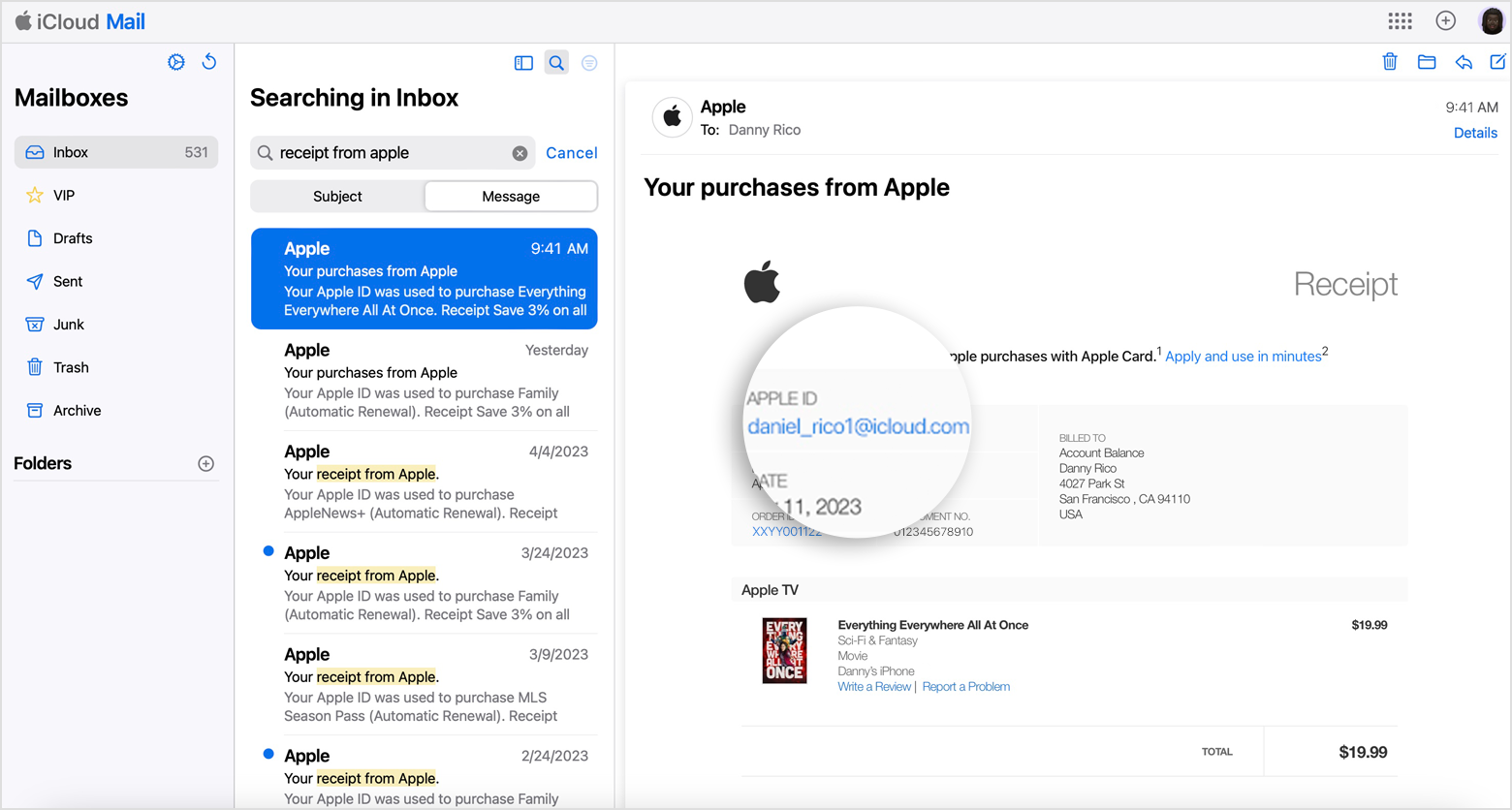
- If a family member's Apple ID appears on the receipt, ask that family member to use the steps in this article to cancel the subscription. You can’t cancel a family member's subscription.
- If another Apple ID that you use appears on the receipt, sign in with that Apple ID and use the steps in this article to cancel the subscription.
How do I Upgrade from a Free plan to a Pro plan?