Managing Your Subscription
Intro
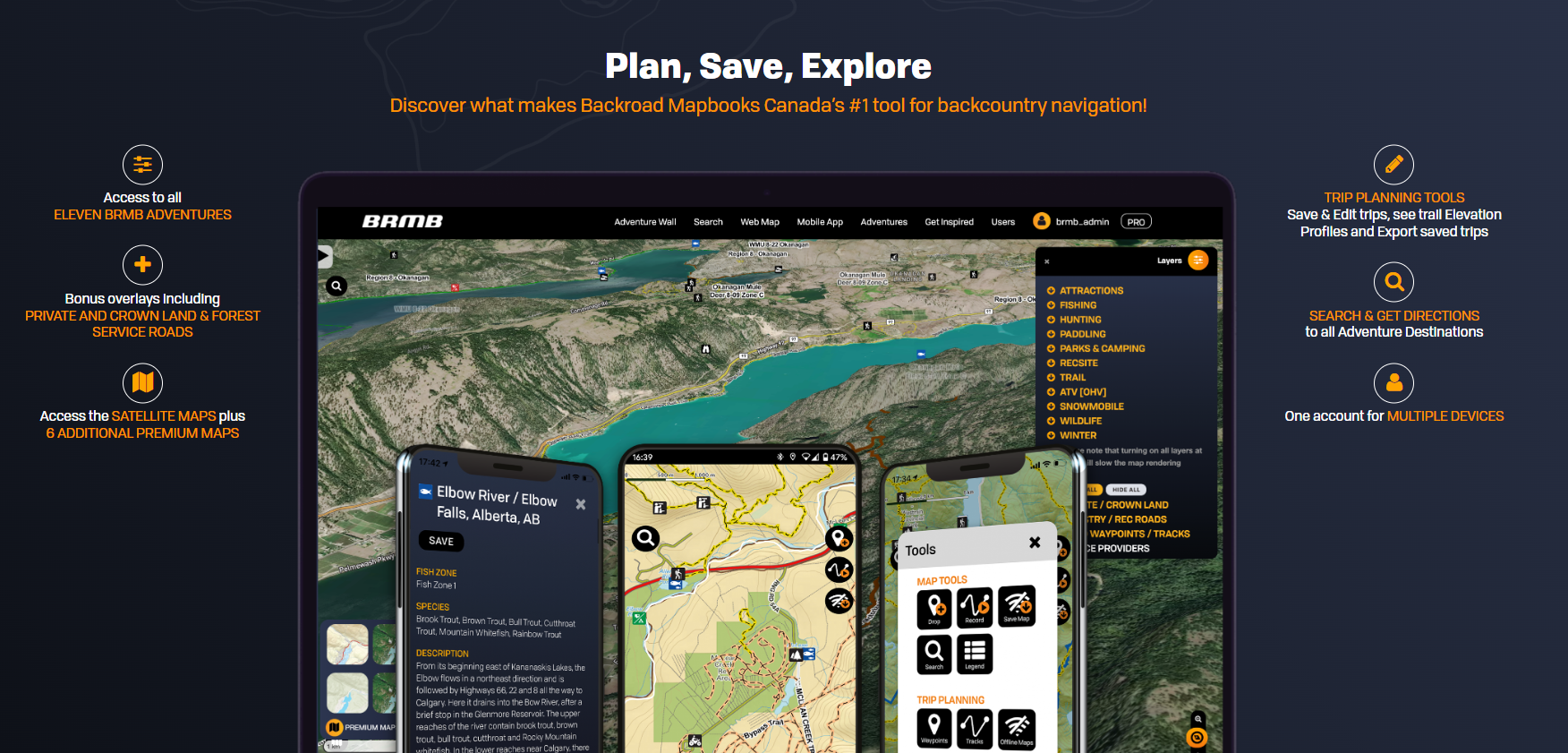
BRMBMAPS.com provides both the Webmap and Mobile App for Android and IOS devices.
Your account at BRMBMAPS.com contains your data created using the webmap or synced from your device.
Subscriptions
Your subscription can be setup via the Android Play store, the Apple Itunes store or via our website at https://brmbmaps.com
How do I cancel my PRO subscription?
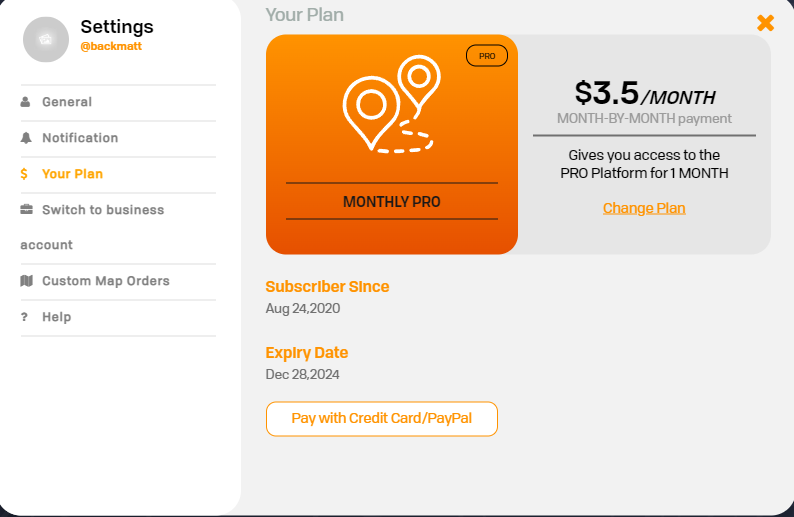
Website: If you purchased your PRO subscription through our website using your Credit Card or Paypal, click on your username in the top right hand corner to access your User Dashboard. Once the User Dashboard has loaded click Settings > Your Plan then click on the Cancel Automatic Payment button.
iPhone: If you purchased your PRO subscription through the iPhone in-app purchase you can cancel your subscription by clicking on Settings on your iPhone. In the top click on your name to select your Apple ID, then click on Subscriptions. Find BRMB Maps in your list and cancel the Subscription.
Android: If you purchased your PRO subscription through the Android in-app purchase you can cancel your subscription by clicking on Google Play. Click on your account in the top corner and then click on Payments and Subscriptions > Subscriptions. Find BRMB Maps in your list and cancel the Subscription.
iPhone: If you purchased your PRO subscription through the iPhone in-app purchase you can cancel your subscription by clicking on Settings on your iPhone. In the top click on your name to select your Apple ID, then click on Subscriptions. Find BRMB Maps in your list and cancel the Subscription.
Android: If you purchased your PRO subscription through the Android in-app purchase you can cancel your subscription by clicking on Google Play. Click on your account in the top corner and then click on Payments and Subscriptions > Subscriptions. Find BRMB Maps in your list and cancel the Subscription.
Still having issues with your subscription?
Fix subscription issues google Play
Fix subscription issues Itunes
Request a Refund from the App store
How do I Upgrade from a Free plan to a Pro plan?
Open the User Dashboard by clicking on your username in the top right corner, then click on the Settings button. On the left side, click on Your Plan and then Upgrade to Pro or Change Plan to upgrade to another plan.