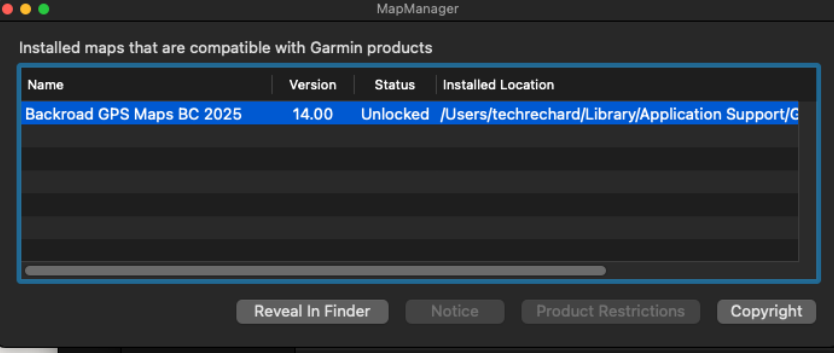
Unlocking Maps in Basecamp for MAC
Unlock Backroadmaps in Basecamp for MAC
To unlock the computer version of the maps in Garmin Basecamp you will need to import the .gma file.
Your .gma file can be found in your user account and also on the microSD card's Garmin folder.
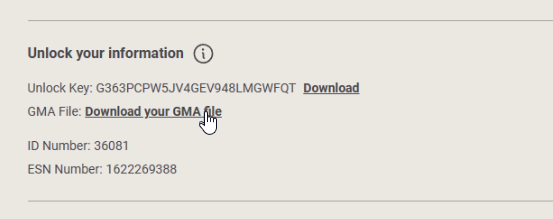
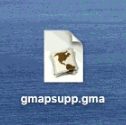
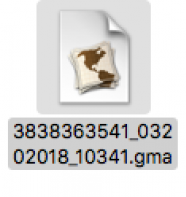
Your .gma file will be called gmapsupp.gma if the card has not been updated, if the card has been updated the .gma file will be named [Your Unlock Key ].gma
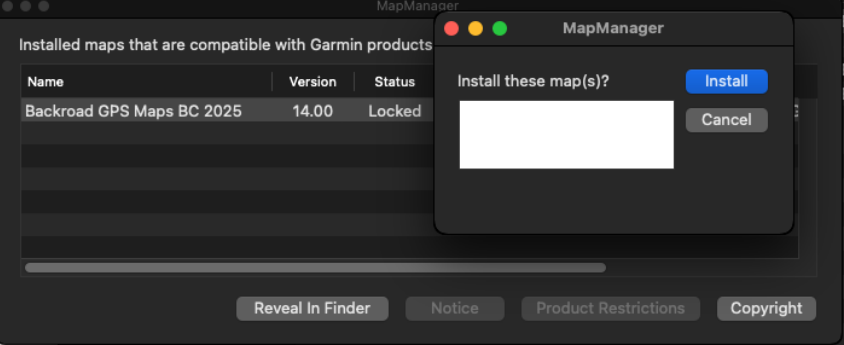
A window will open asking if you want to install maps, click INSTALL