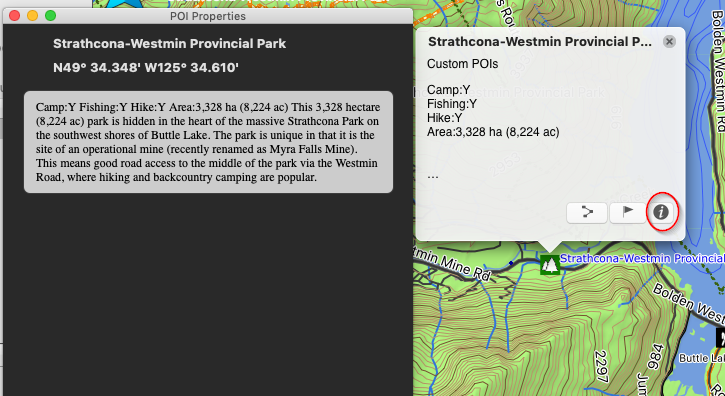
Accessing POI info in Garmin Basecamp
Access POI info in Basecamp
WithWhen you plug your microSD card insertedGPS into the GPScomputer and plugged in when you launch Garmin Basecamp it will load the map data off the card.Basecamp, On the Left hand side it will show your Garmin GPS unit and the microSD card.
Click this option to view the .gpi files enabled to display your POI write ups.
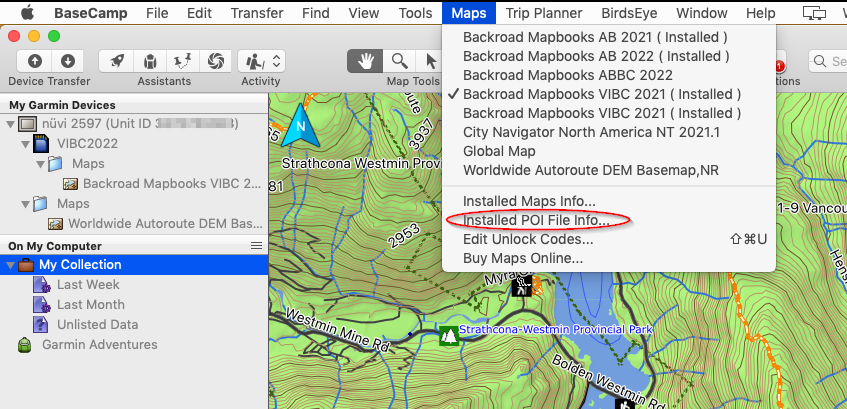
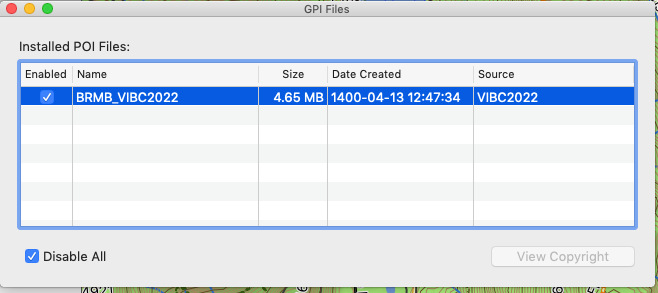
With your POI file enabled you can now view the POIsPOI written descriptions on the mapmap.
Click the icon to bring up the POI header.
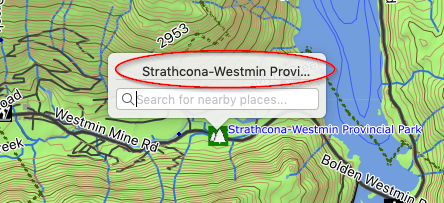
Clicking on the POI Header will display thea poinew popup for you.
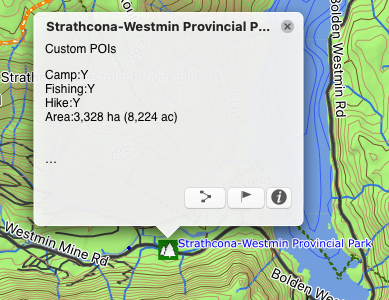
Click on the "i" Icon to display the write up for that POI.