
Registering your GPS Maps Digital
Here's a few benefits you get from Registering:
- - Download Computer Maps for Mac or PC
- - Store a secure copy of your Garmin License and Unlock Files
- - Access to Future Updates at a Discount
- - Additional Technical Support
Updates are FREE for 60 days after registration of your microSD card in your account.
If you purchase an older version from a retailer you can update to the latest version of the maps for 60 days after registration.
Used or already updated cards will not be able to be registered.
Version 1 - 2019 are Legacy versions and have been discontinued.
Registration
1. Go to the our website at Backroadmapbooks
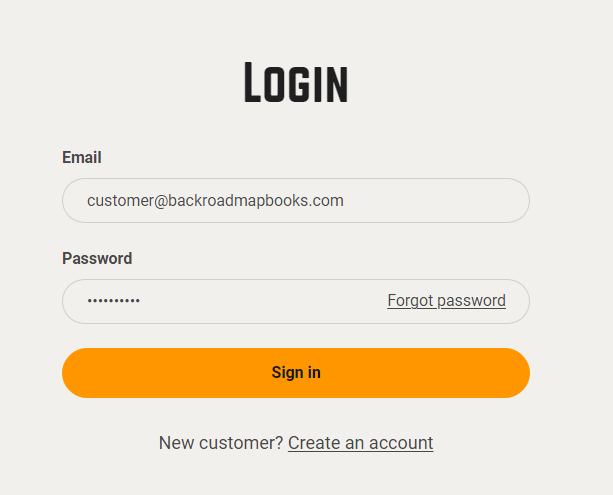
Log into your account on our website, create a new account if you don't have one.
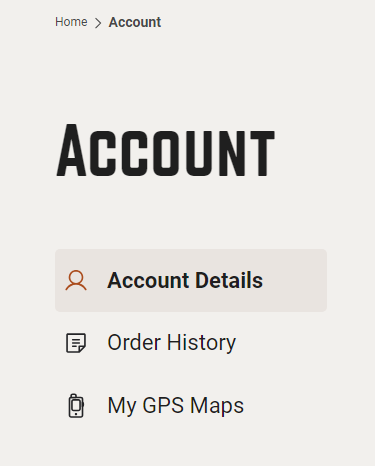
2. Click on the "MY GPS Maps" button to go to the registration page.
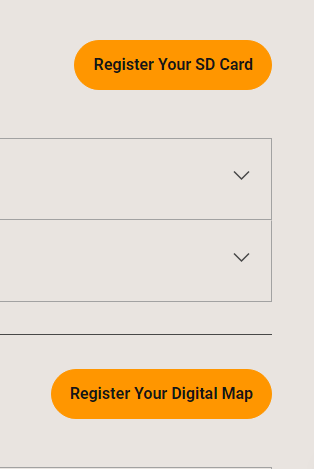
3.) Click on the Register Your Digital Map
4.) Enter your ACCESS CODE and your 10 digit GPS UnitID into the fields.
*GPS UnitID can be found under the About Menu in the GPS Settings.
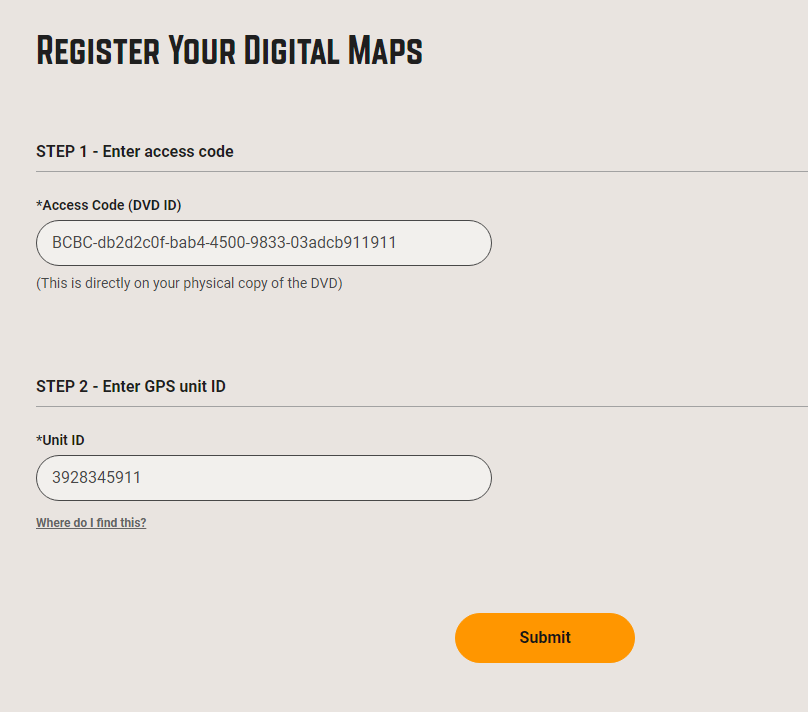
5.) When your Codes are entered into the registration form you can now click SUBMIT.
If your registration is successful you will see a green box and your new product listed for you.

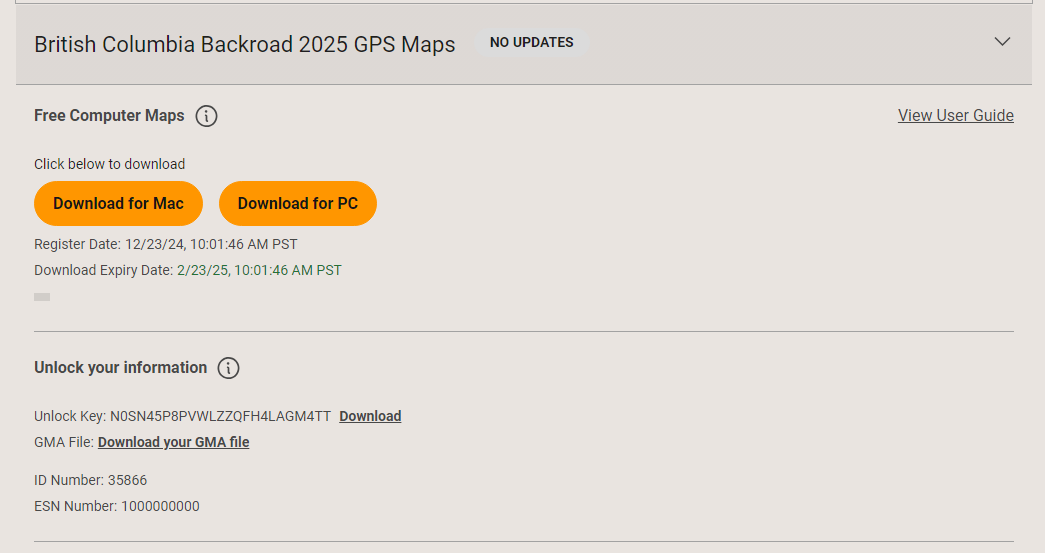
Your Digital Maps have now been registered.